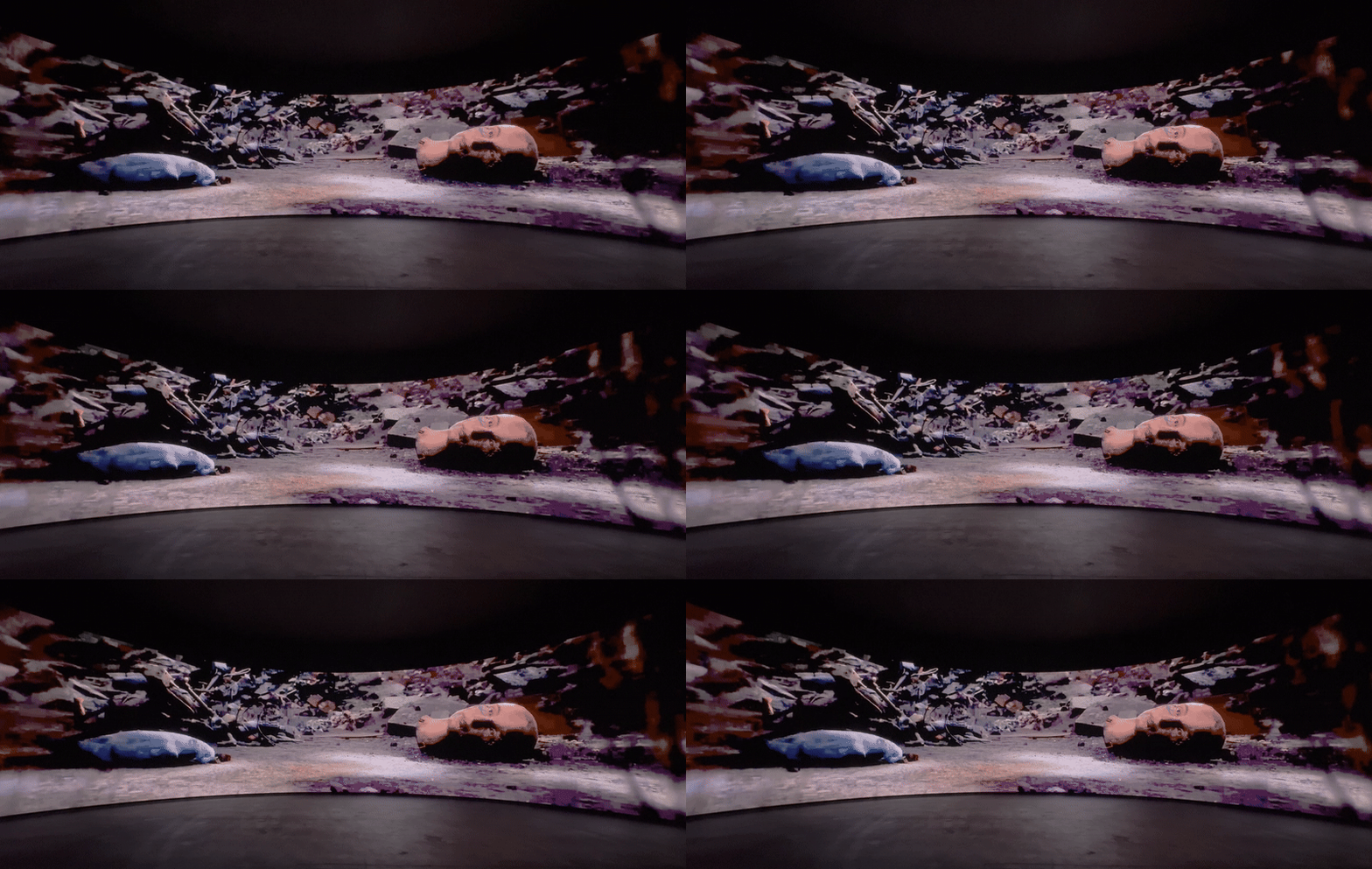
Limitations of 2D-based workflows:
XR design is still confined within traditional 2D pipelines, making it difficult to fully capture and communicate the depth of experience and emotional impact that XR aims to deliver.
Project Title
Project Timeline
November 2024 April 2025
NOTE
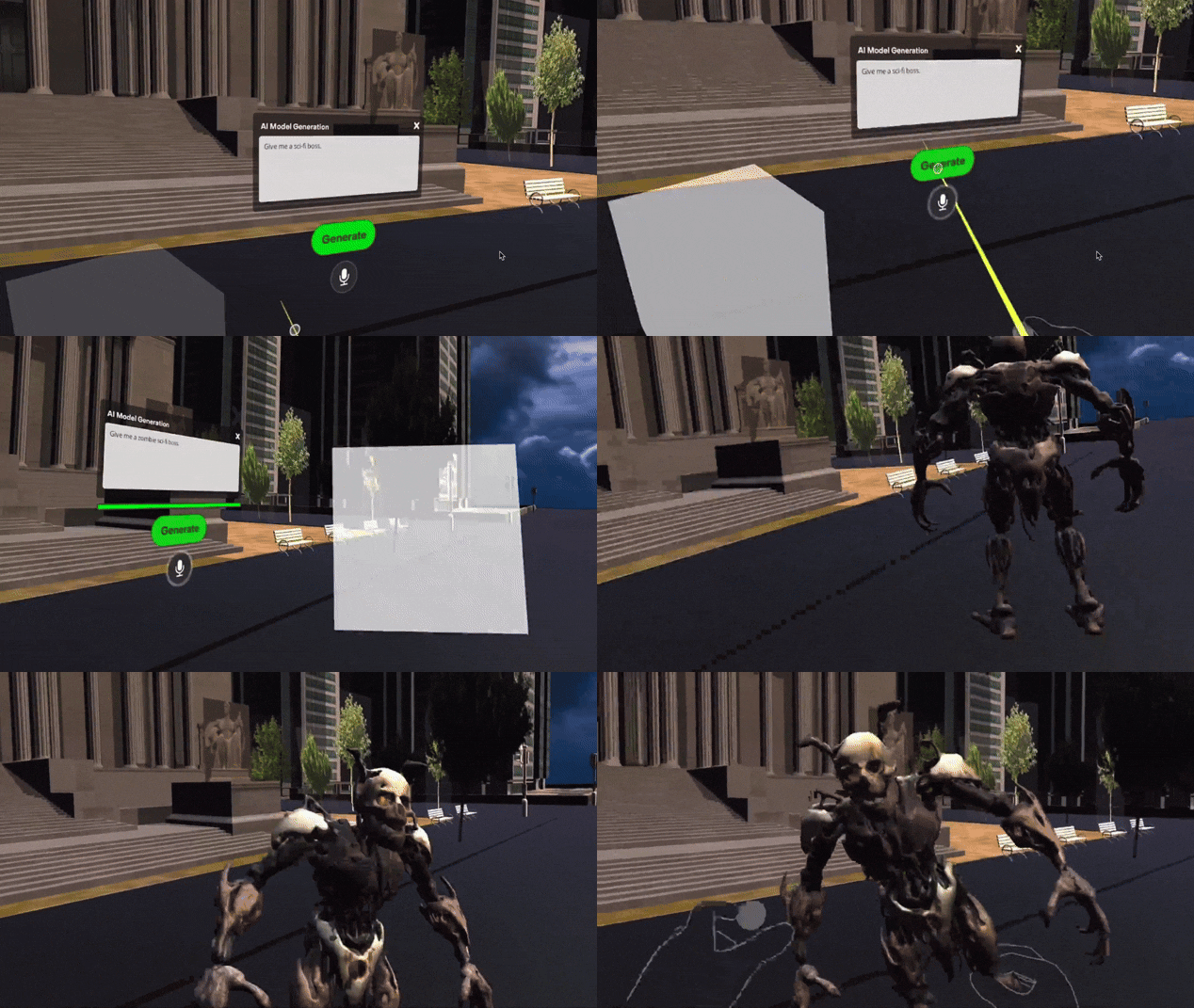
From product research to use case design scenarios, a fully functioning demo prototype was developed. While not all features were implemented, the AI-powered function for rapid 3D scene generation was successfully built.
Project Detail
XReveal is a new XR design toolkit built to enhance productivity, creativity, and rapid prototyping in spatial design environments.
INSPIRATION
We have all experienced those moments in meetings where we thought everyone was aligned, only to discover later that we weren’t. Or when discussions dragged on unnecessarily because of differing communication styles, even though everyone was essentially saying the same thing. Now, imagine if we could share exactly what’s in our minds, visually, right on the table.
Solution and Goal
XReveal aims to lower the entry barrier to 3D by reimagining traditional design methods for XR. Through intuitive 3D prototyping, it removes unnecessary 2D steps and enables faster iteration in immersive environments. The ultimate goal of the product is to make rapid 3D storyboarding accessible and effortless.
Interaction and Use Cases
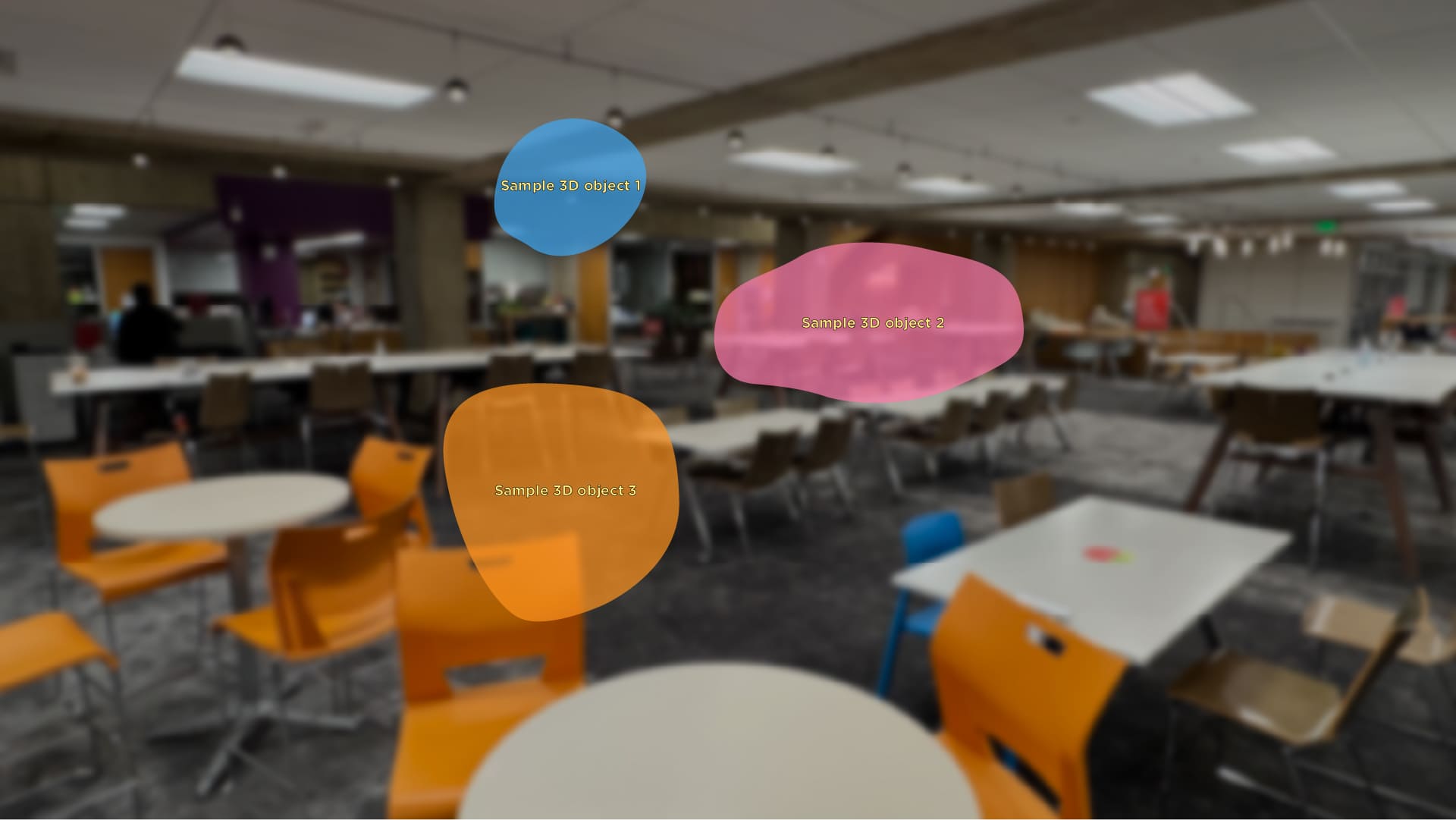
The primary goal is to design a seamless integration between 3D and 2D interactions. The use case scenarios include generating 3D scenes quickly and effortlessly through AI, creating 3D scene and UI interaction demos, capturing and saving spatial environments, and interacting with or replaying XR storyboards through immersive or bird’s-eye views. Together, these features establish the foundation for an integrated 3D interaction system that harmonizes perfectly with traditional 2D interfaces.
Intro
Turn Your Imagination into Reality with AI and Revolutionize Work Collaboration.
This prototype showcases core functionalities for quick prototyping and 3D object control in an AI-powered XR environment.
While the visuals remain intentionally rough, the focus was on testing and demonstrating real, working interactions rather than finalized design polish.
Built with the KlingAI API, it reflects the level of AI capability available during early 2025.
Research
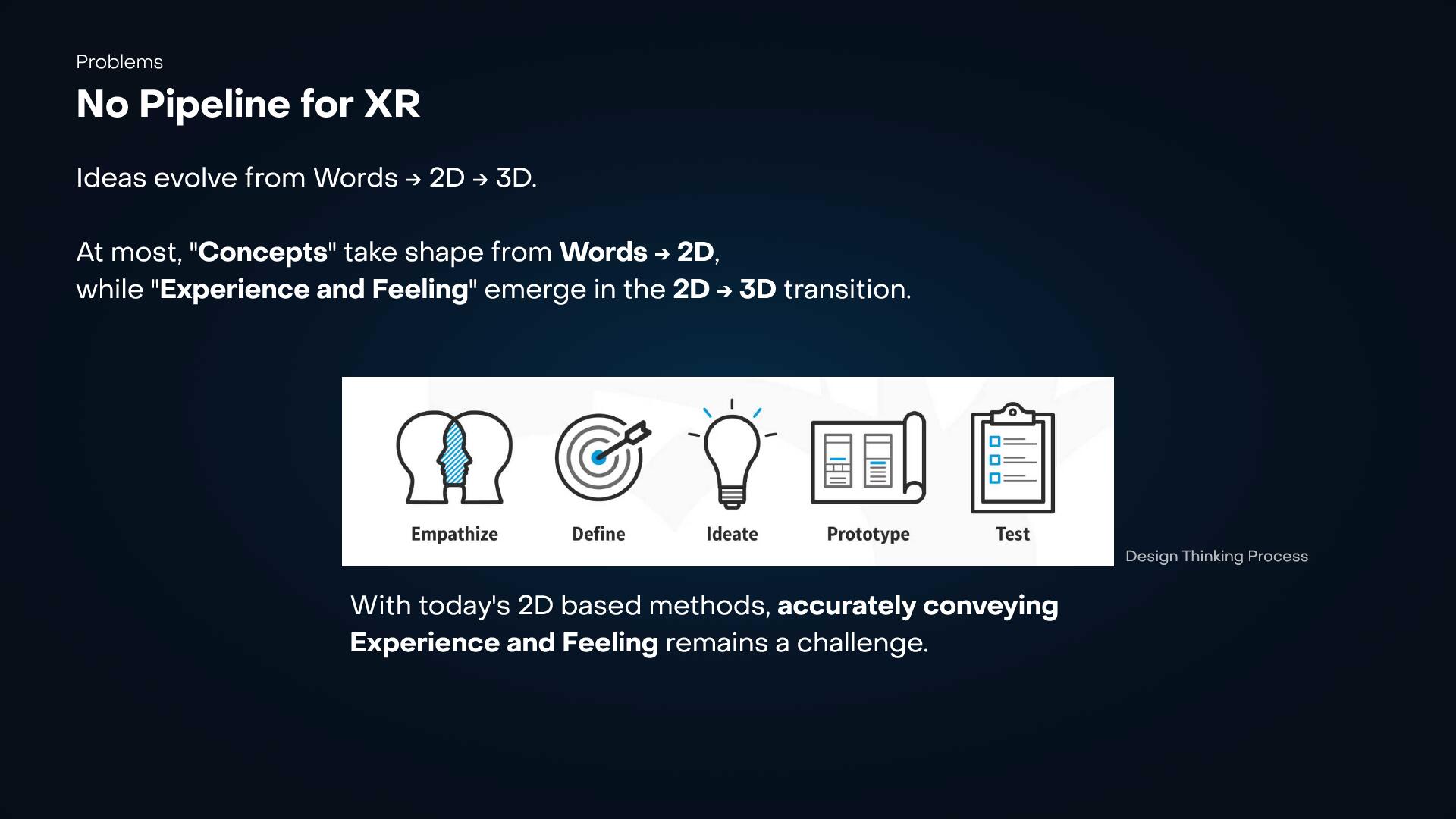
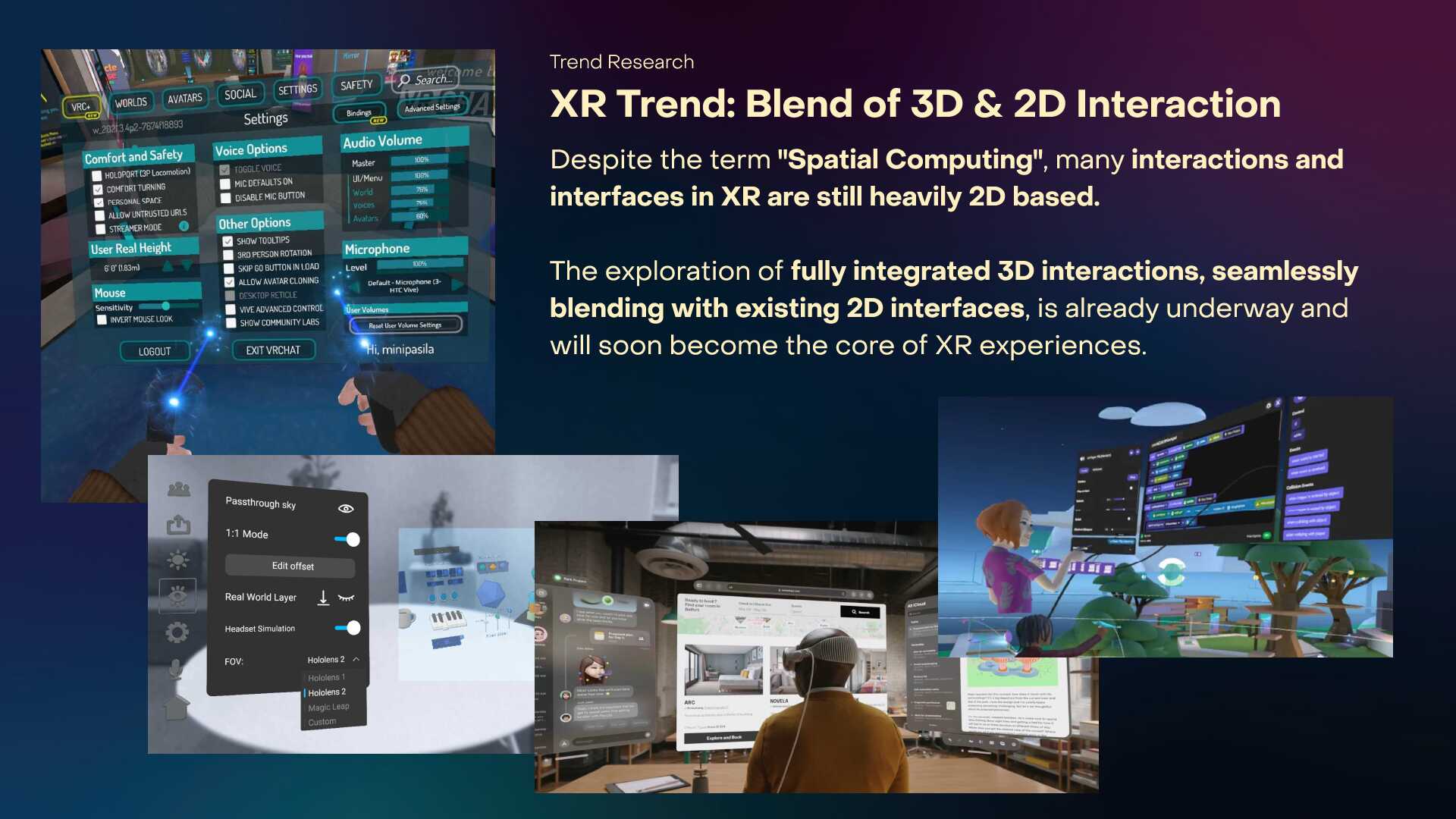
Anticipating the Evolution of XR UX/UI.
Currently, many XR environments still rely on UI designs that resemble conventional 2D screens. This is largely because the design tools used across the industry (most notably Figma and Adobe products) were originally built for 2D-based design workflows.
As new tools emerge, the way users approach and interact with UI will naturally evolve. In this transition, the skeuomorphism of spatial computing environments is expected to become a new standard in UX/UI and interaction design, blending familiarity with spatial depth.
Problem Summary
1. No effective pipeline for XR
2. Storyboarding in XR is an open question
3. 3D is hard
Solution
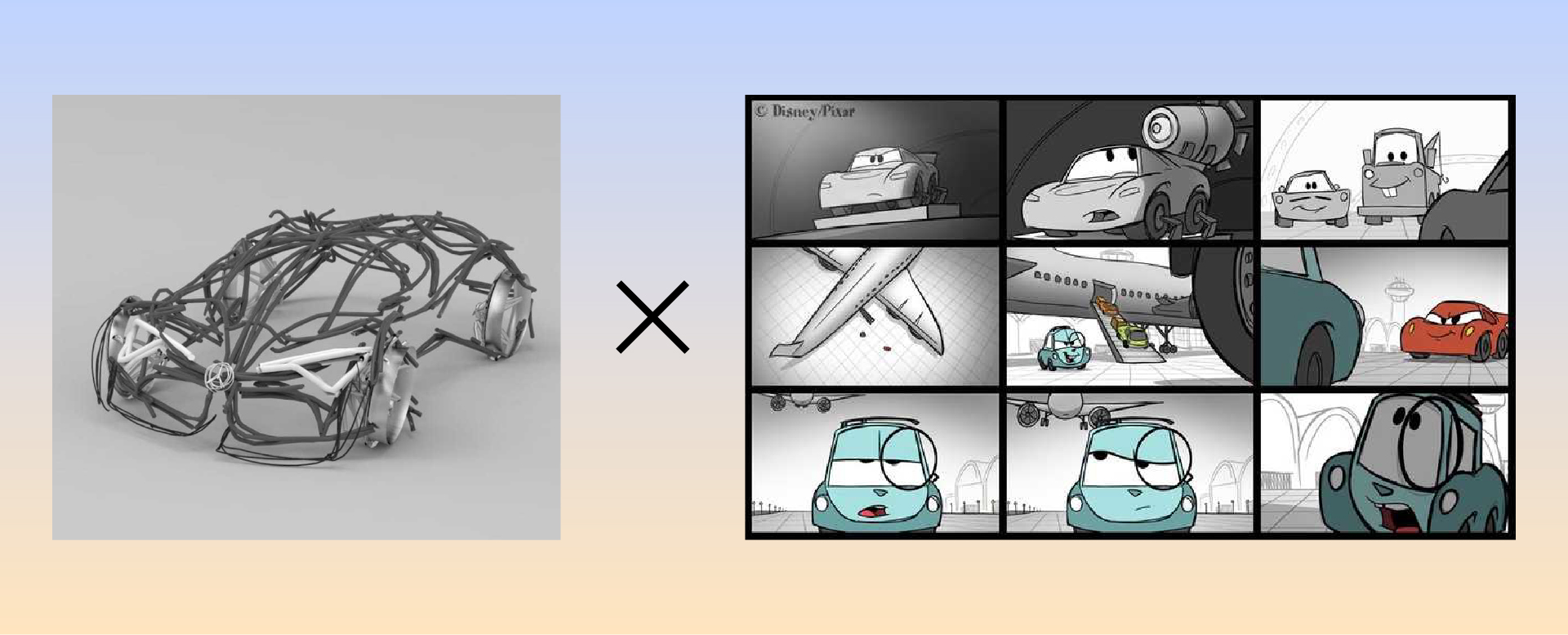
1. Re-imagine Storyboard for XR
2. Lower the barrier of 3D
Product Goal
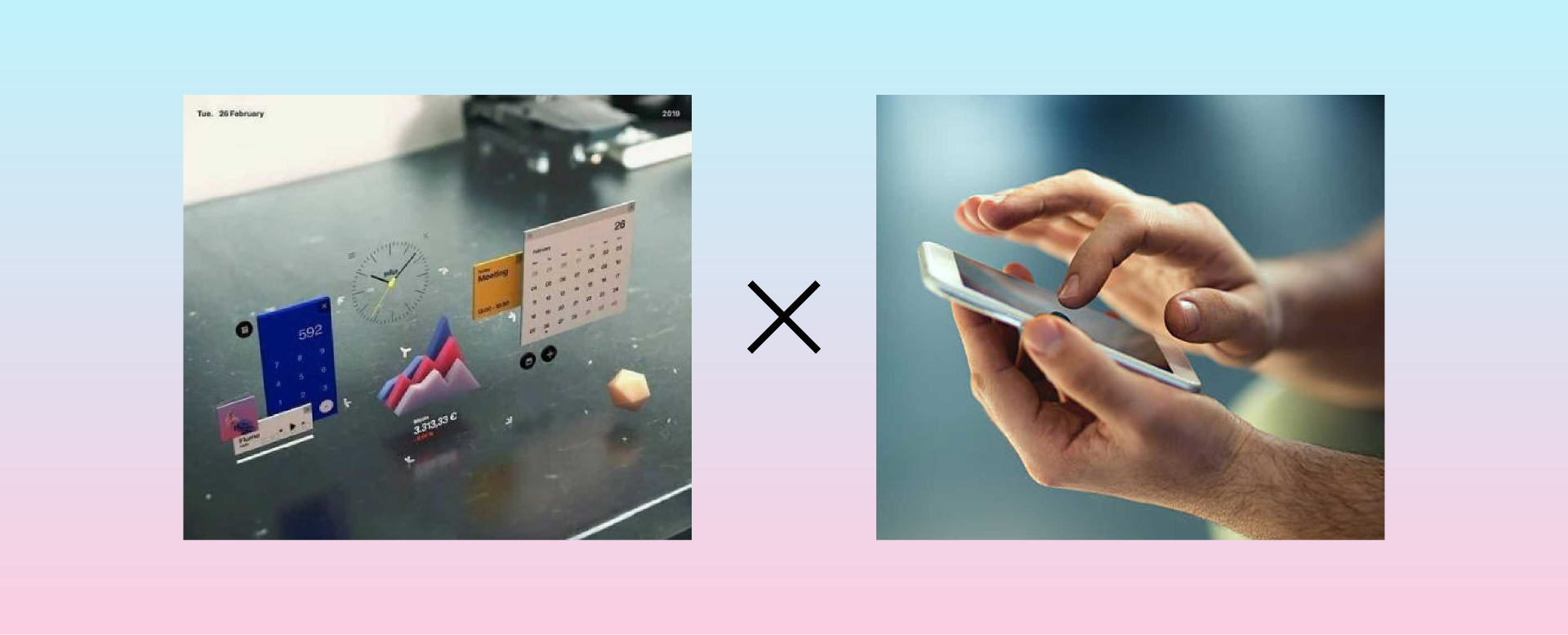
Eliminate unnecessary 2D steps with intuitive 3D prototyping. A precise 3D storyboarding system ensure clear design intent, faster iteration, and seamless team collaboration in XR development.
Interaction Goal
Design fully integrated 3D interactions that seamlessly blend with existing 2D interfaces, setting the foundation for the next evolution of XR experiences.
Design
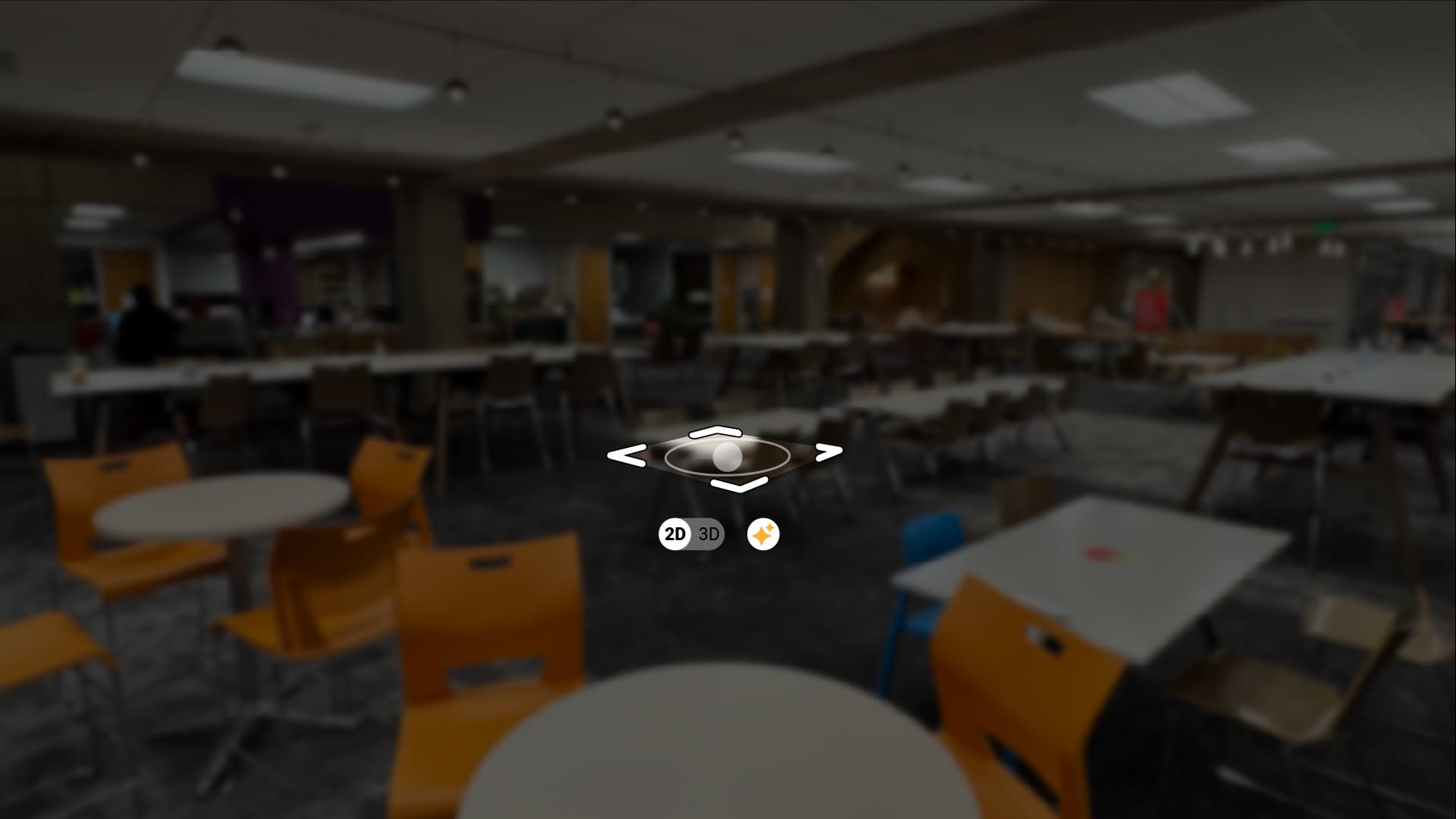
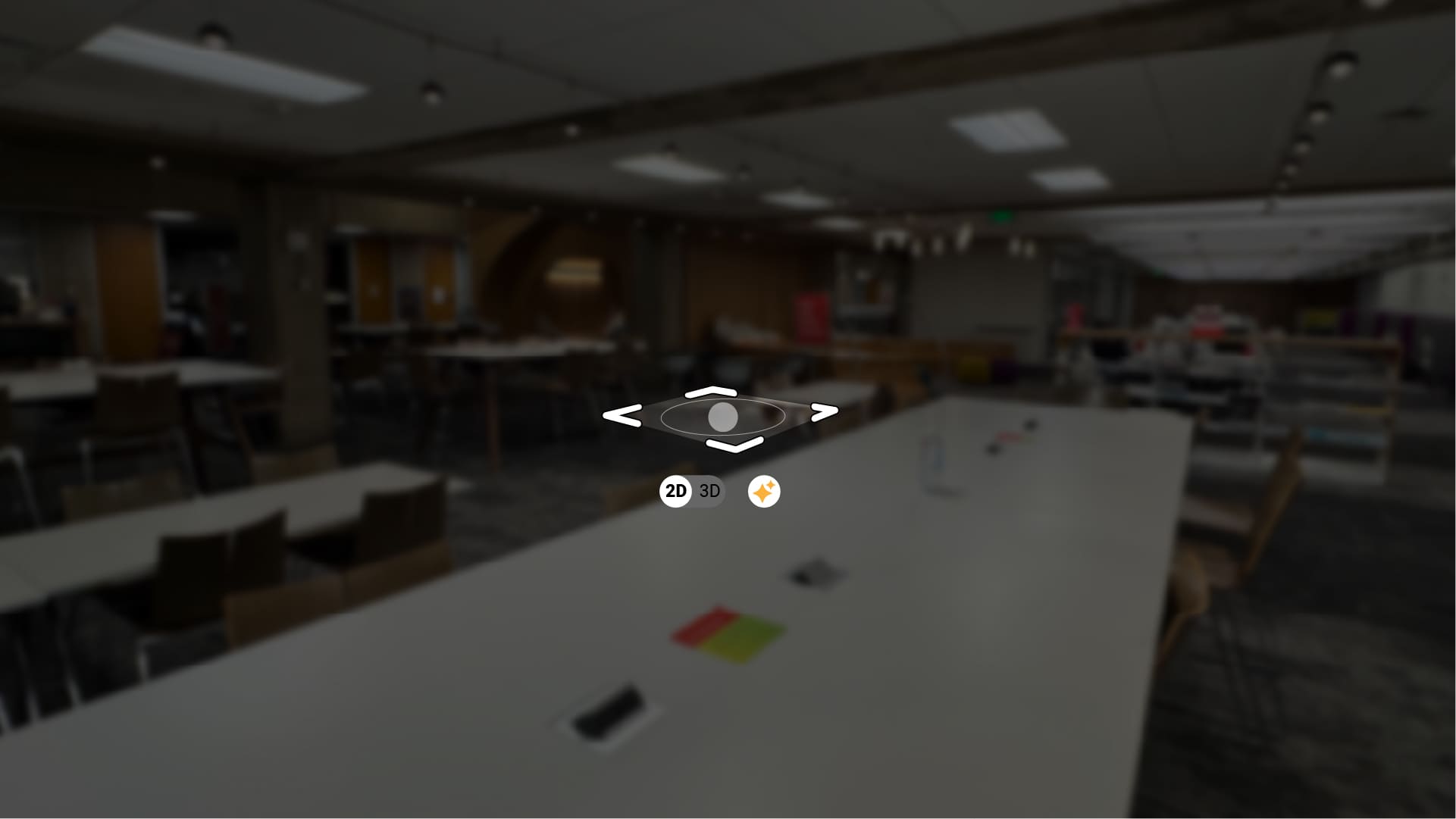
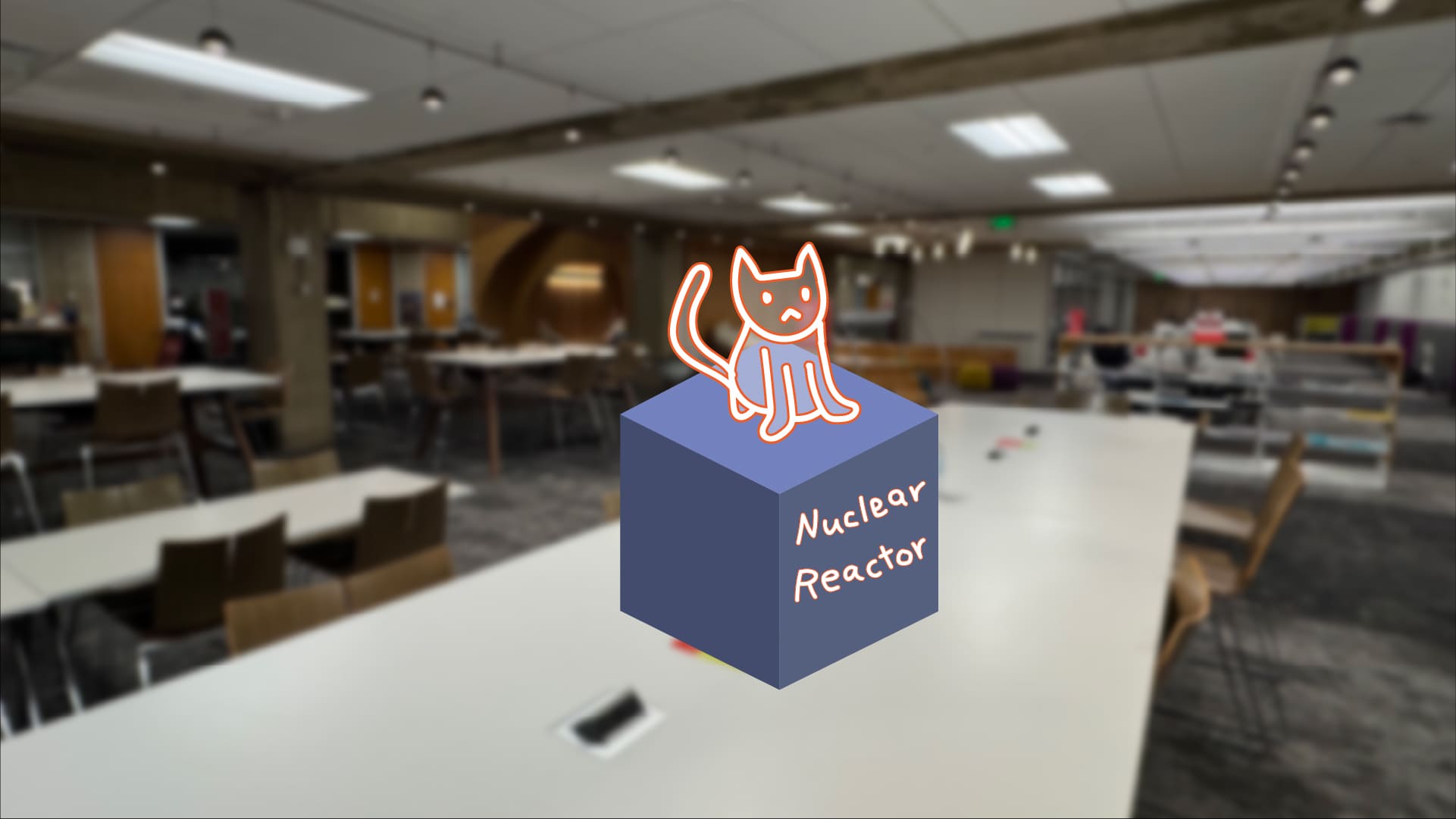
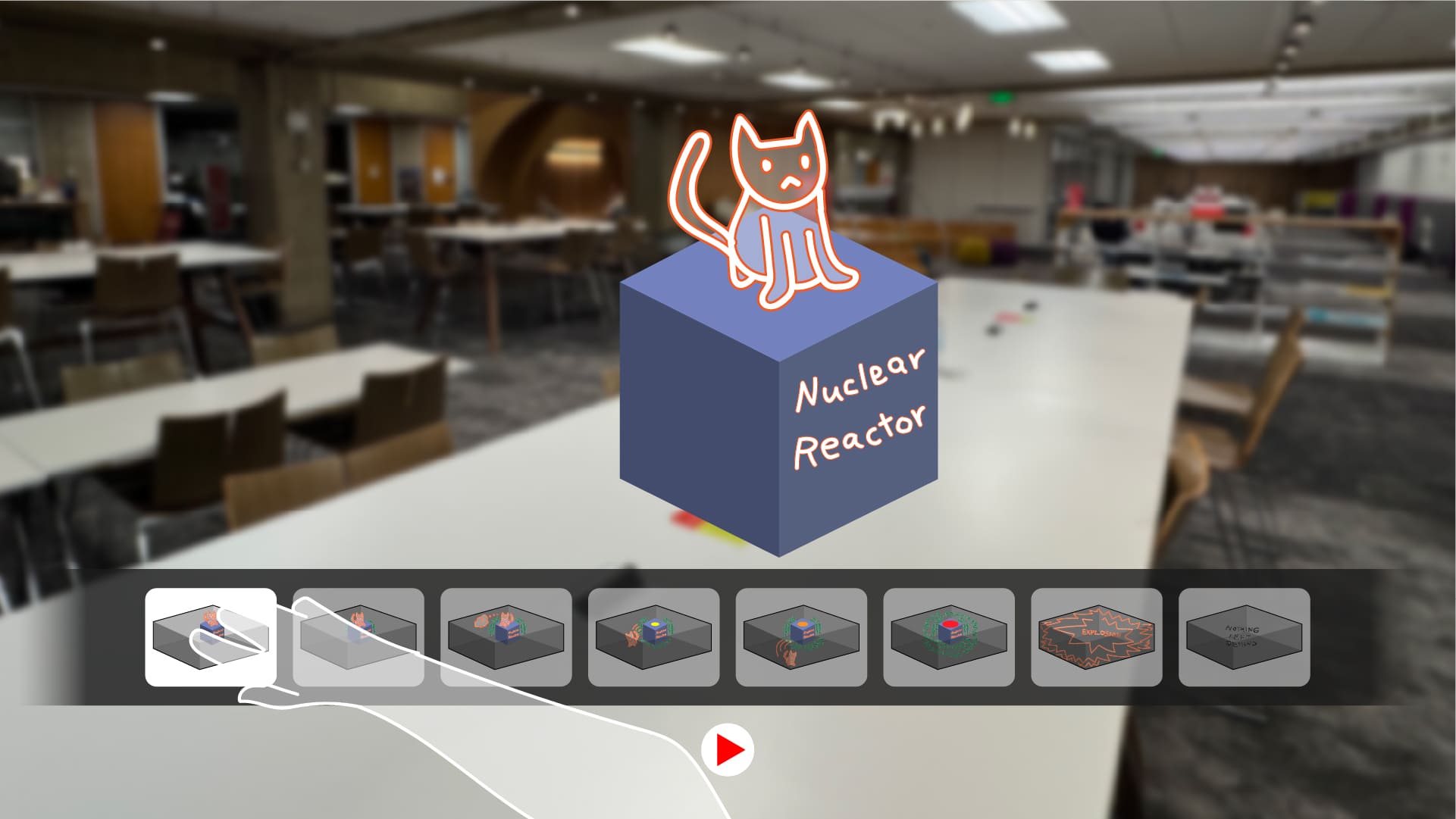
Technology
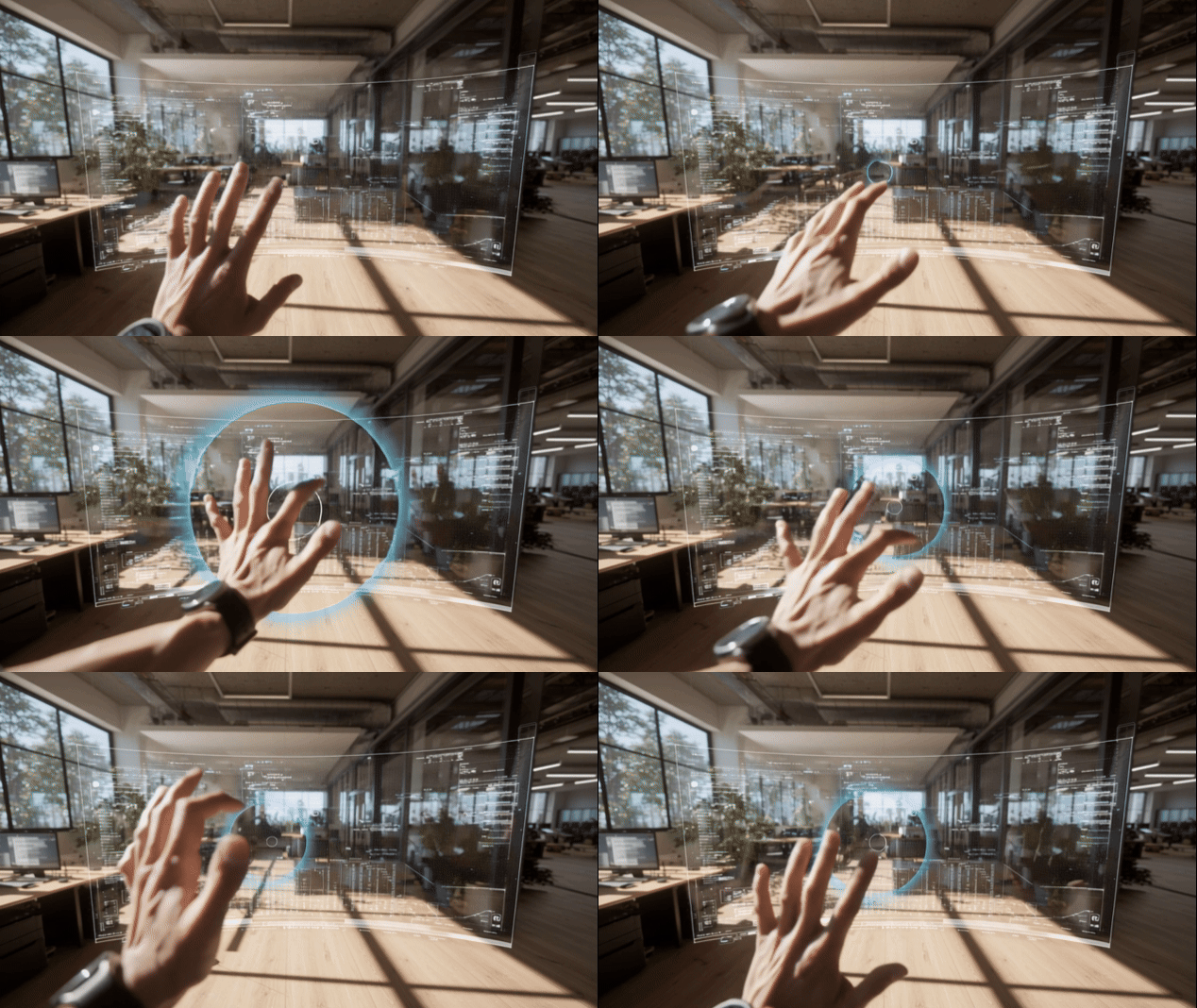
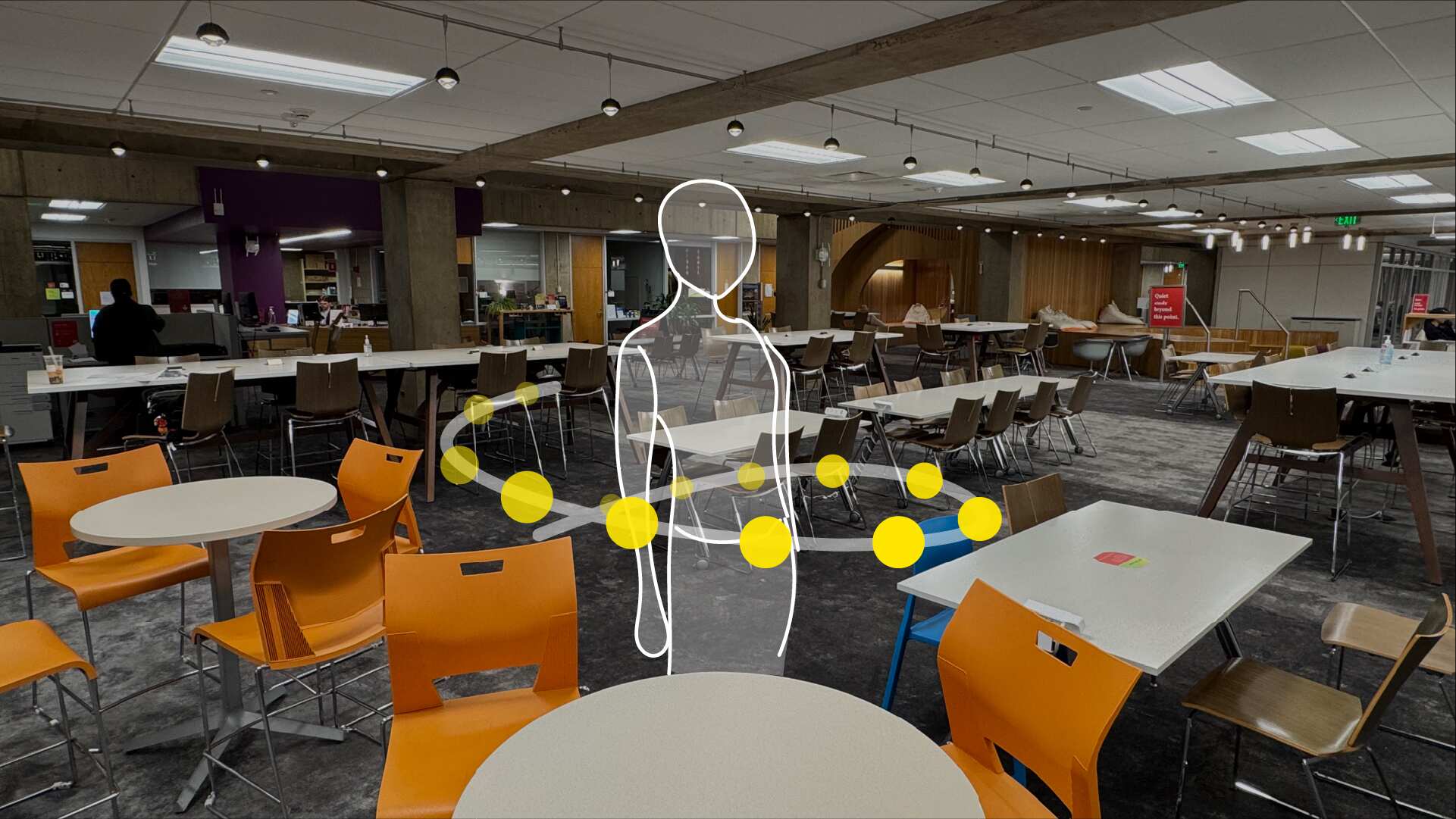
This demo uses Unity’s XR Hands package, which is included with the XR Interaction Toolkit. It allows developers to build custom hand poses with the Hand Gesture Debugger and supports device-agnostic gesture recognition.
The toolkit defines several finger shapes such as tip curl, base curl, pinch shape, and spread shape. These become the foundation for creating any hand shape or gesture.
Gestures can be defined in two ways:
1. Hand Shape: Recognized when finger shape conditions are met, regardless of hand direction.
2. Hand Pose: Recognized when finger shape conditions and additional orientation conditions are met.
The main benefit is the ability to design natural, controller-free interactions. Developers can create custom gestures that fit the context of the experience and work consistently across different XR devices.
Although not every feature and design element could be prototyped within the time available, I am proud to have built a functioning prototype that captures the core concept.
Through this project, I had the chance to deeply explore how the Design Thinking method can adapt to emerging technologies, and I value the process of researching, experimenting, and building a partially functioning prototype. I am excited to see how the design process will evolve as the XR industry becomes a more natural part of our everyday lives, and I hope to be at the center of that change.
Other Projects from Carnegie Mellon University
© 2025 Felix Choi Portfolio. All rights reserved.
Made with care and plenty of coffee
Contact
213 294 5690
hifelix.design@gmail.com
I'm open to opportunities that align with my visions.